Station Registration
Partners can manage the Client’s charging stations.
Station Registration
A partner can register a charging station for a Client via the station registration option.
After adding, the station has configuration options suitable for the basic plan.
Once the station is assigned to a Client, the configuration scope may change depending on the Client’s subscription plan.
Assigning a Station to a Client
To assign a charging station to a Client, go to the station details and select Assign Client.
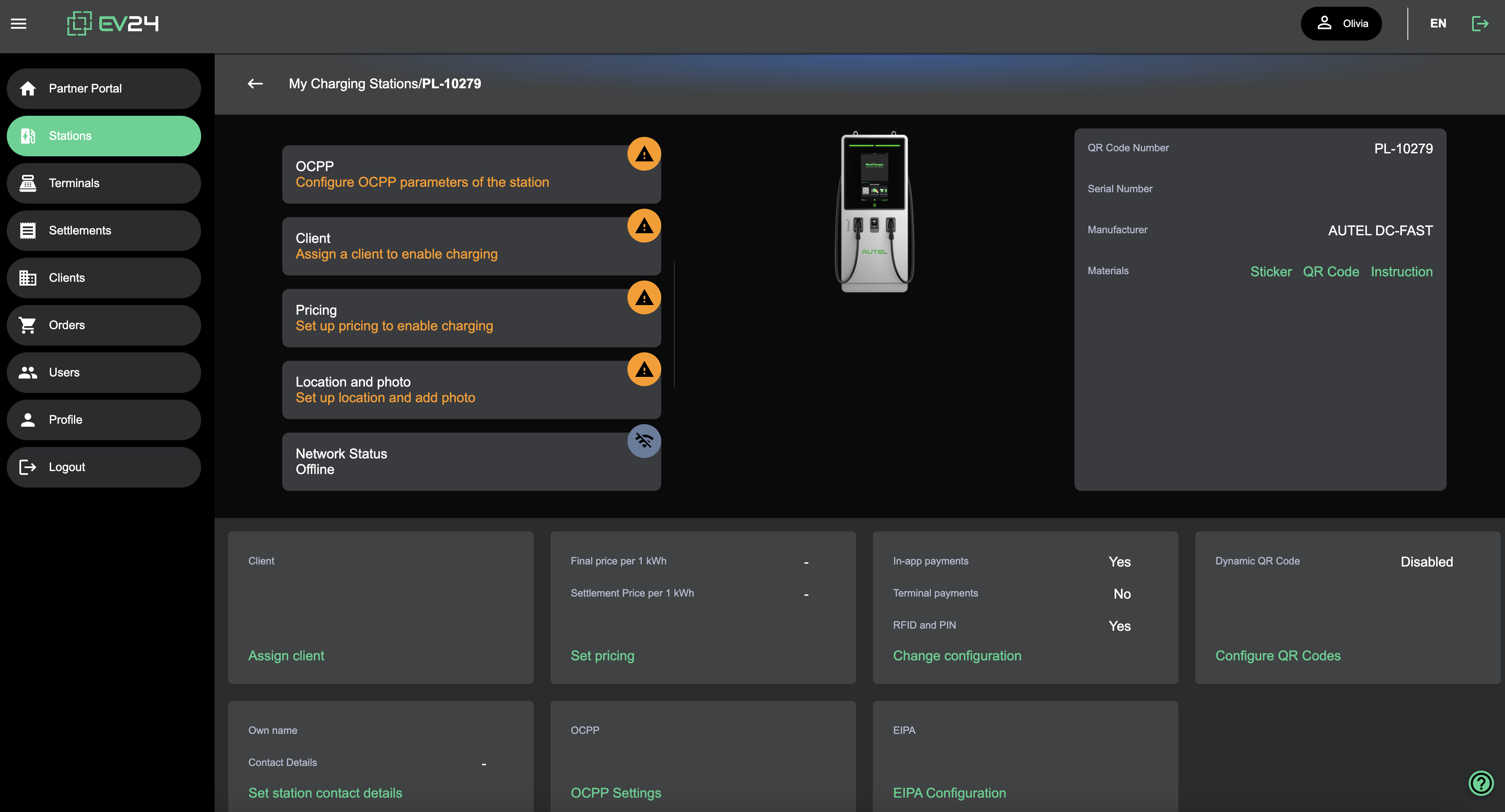
After assigning the station to the Client, it will be visible in the Client portal.
Station Configuration
The station should be configured according to the documentation.
Granting Installer Access
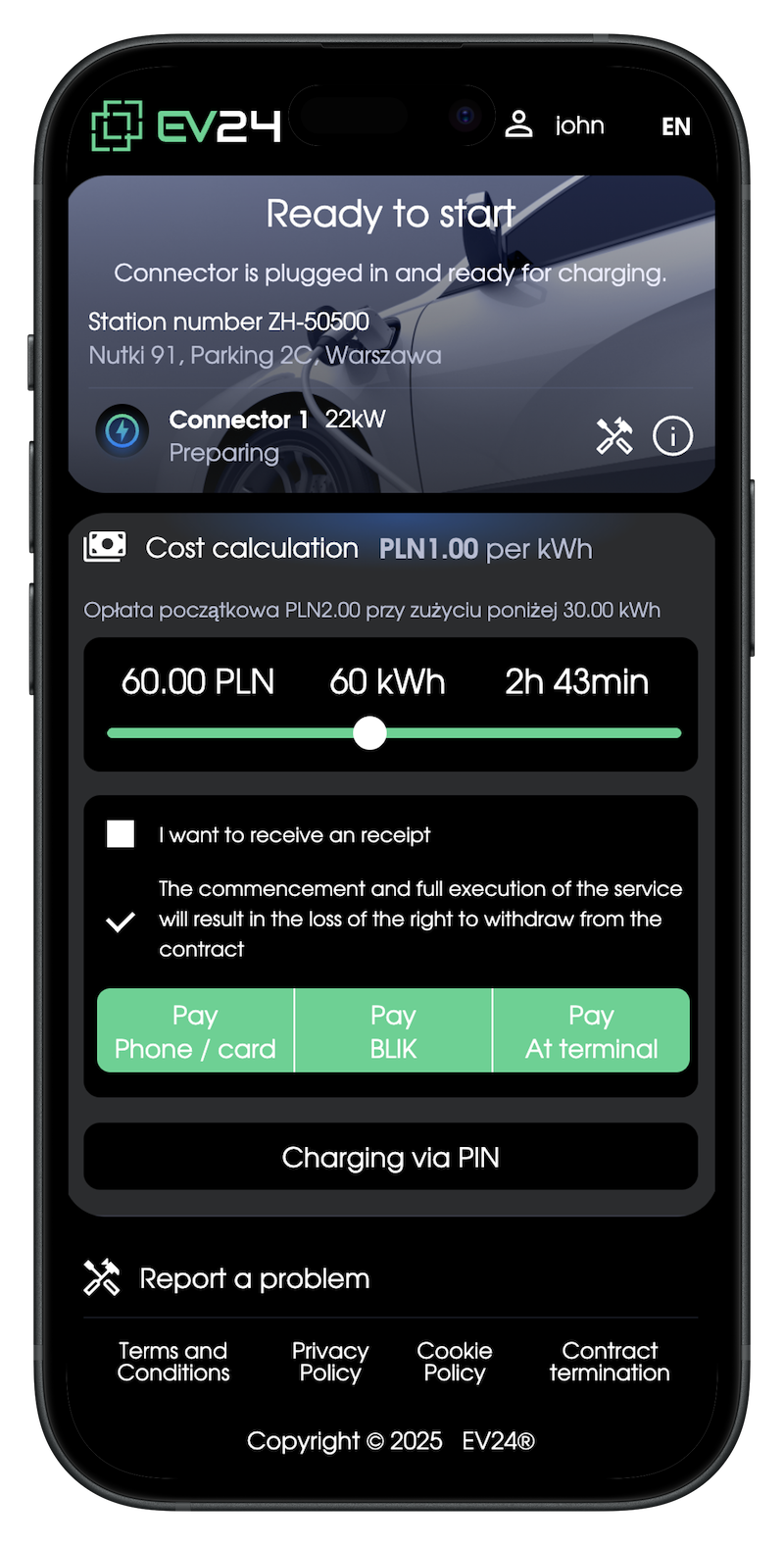
After adding a charging station, it will be in service mode for a period of time.
This means the installer will be able to fully integrate the charging station after receiving the appropriate permissions, i.e., the service PIN.
You can issue the service PIN via the Access option.
The installer will receive the PIN at the specified email address and with it:
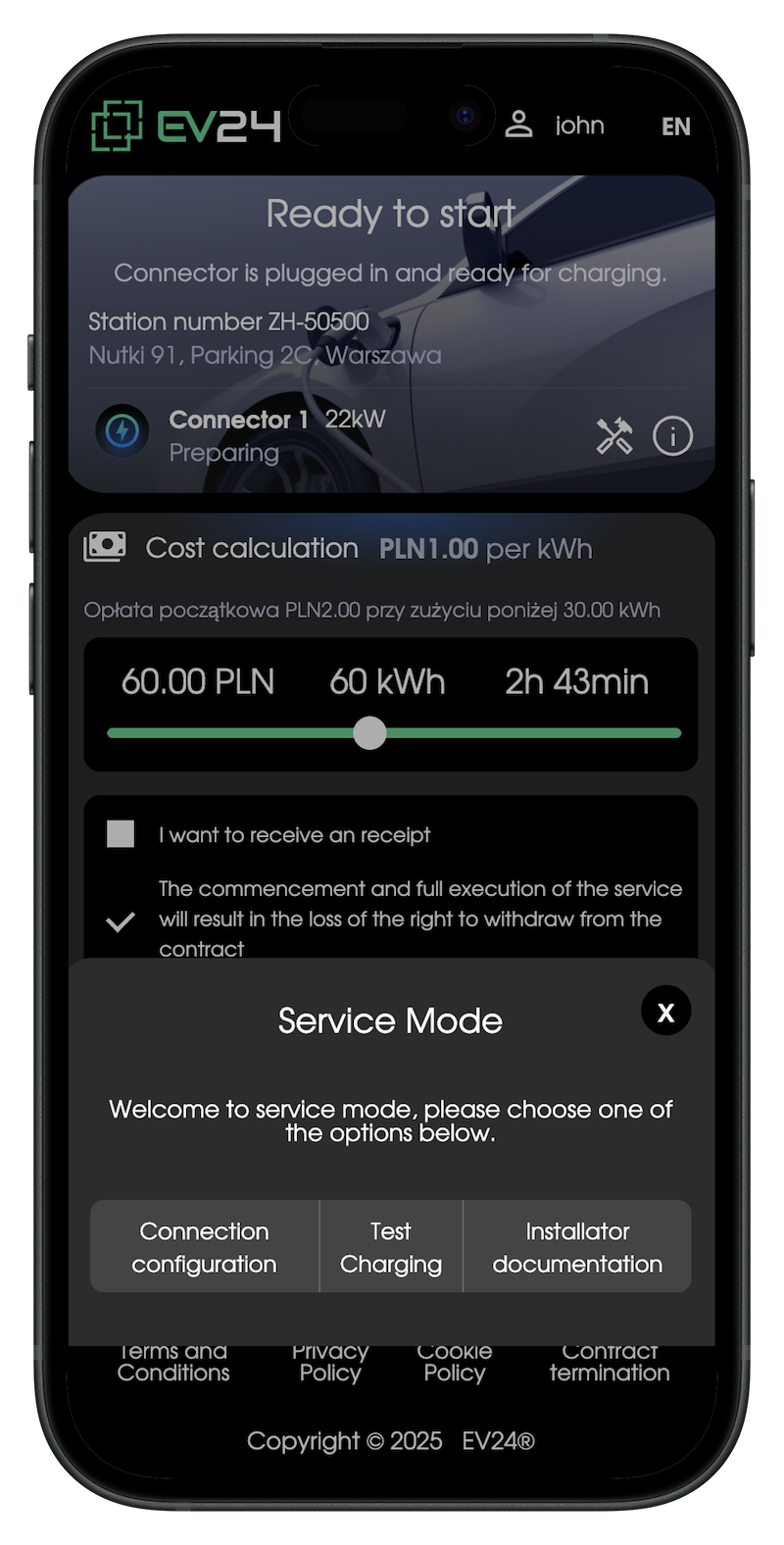
- Access to OCPP settings and their configuration
- Performing test charging using the issued PIN
- Access to the installer documentation
Service Mode
Internet Connectivity
Ensure the charging station has a connection to the Internet network.