Client Registration
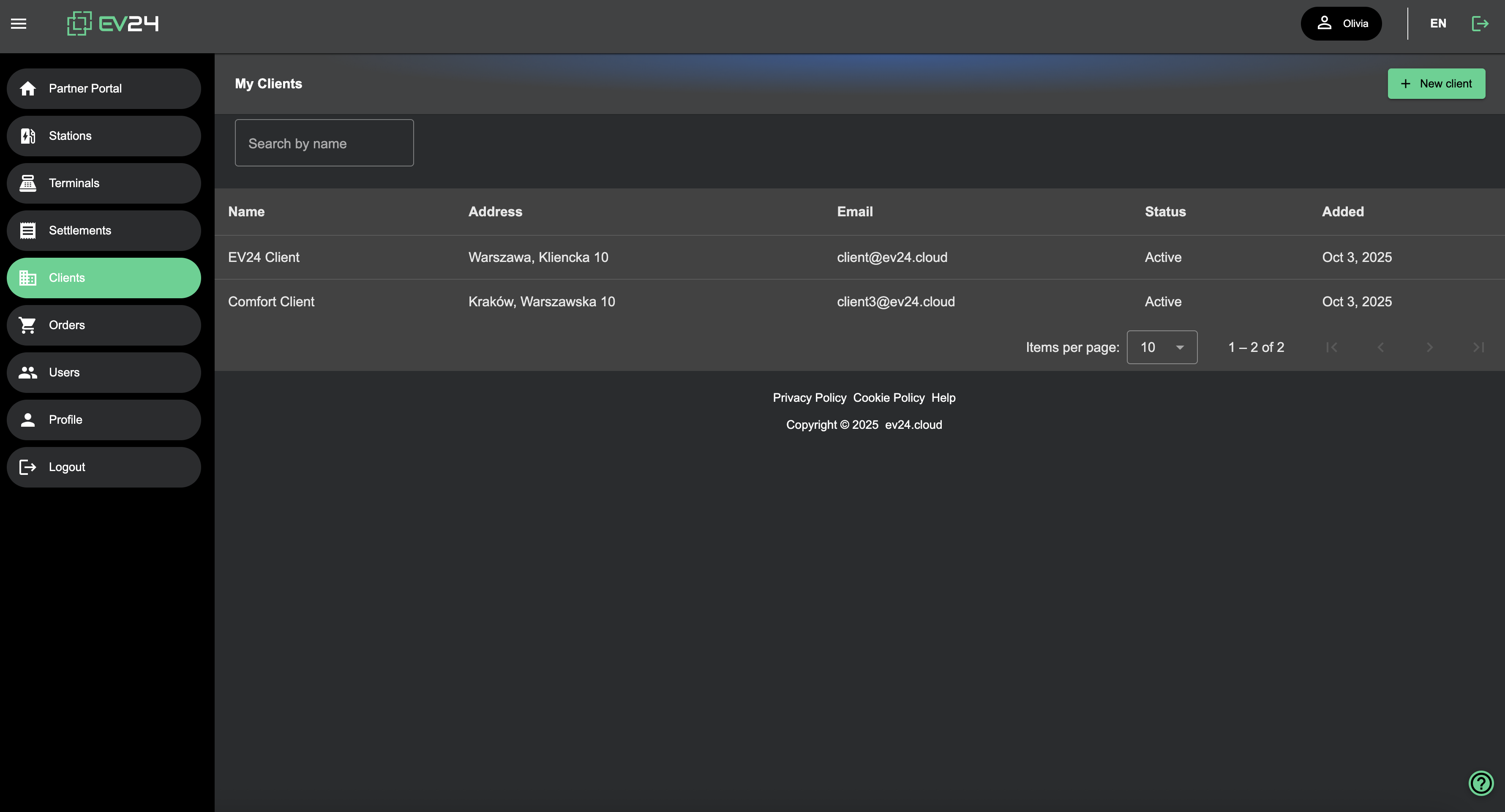
The Partner can manage clients directly from their portal.
Adding a Client
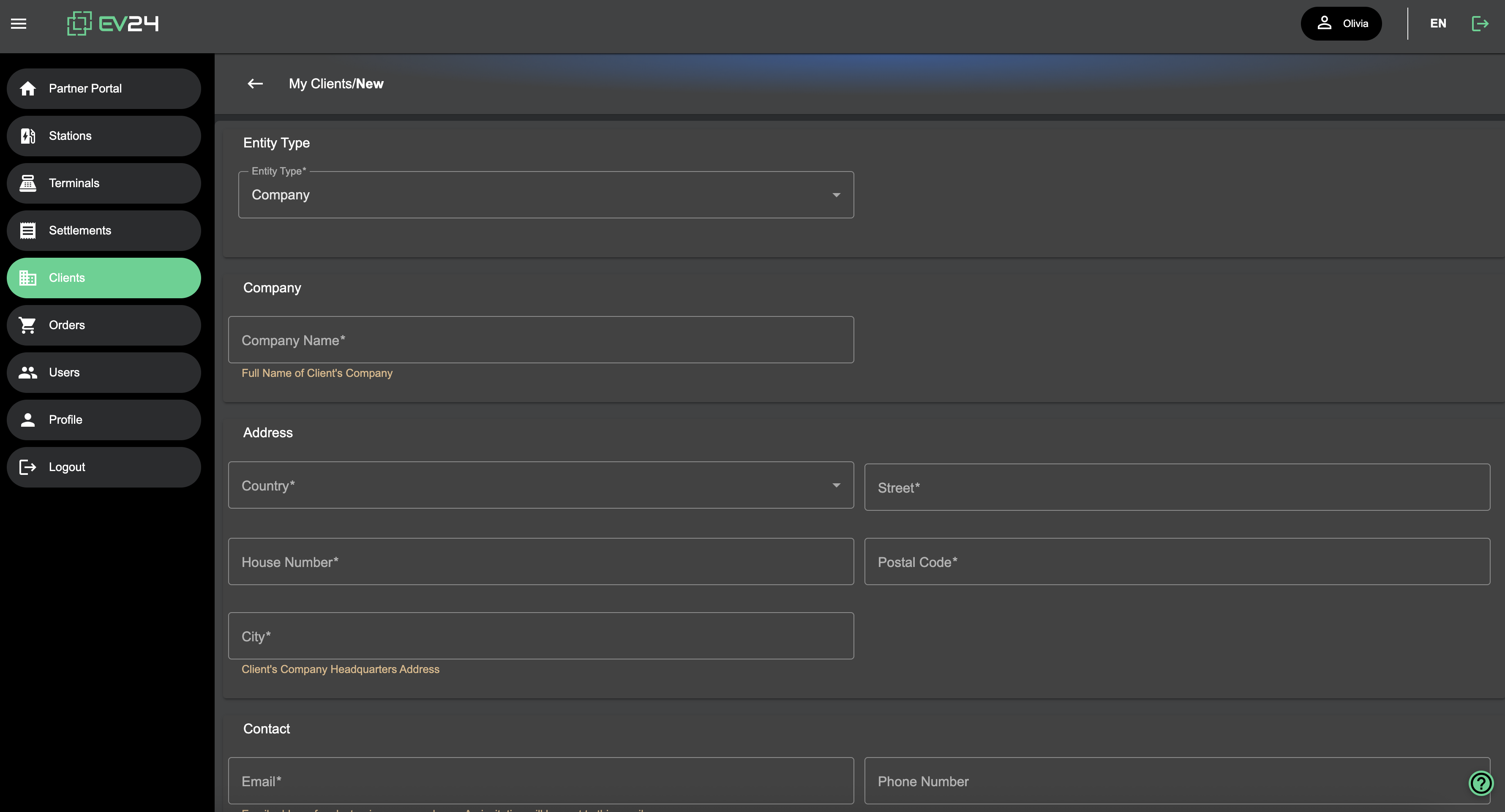
The Partner adds a client in the Portal by providing basic data. At this stage, the client account is not yet active.
Invitation
An invitation is sent to the email address specified by the Partner. It contains a link to the Client Portal, allowing the client to verify the accuracy of the data entered by the Partner and complete their profile, which enables account activation.
Account Activation
Once activated, the Client’s status changes to Active.
This means the Client has accepted the Terms and Conditions and is now using the service.