Terminal Activation
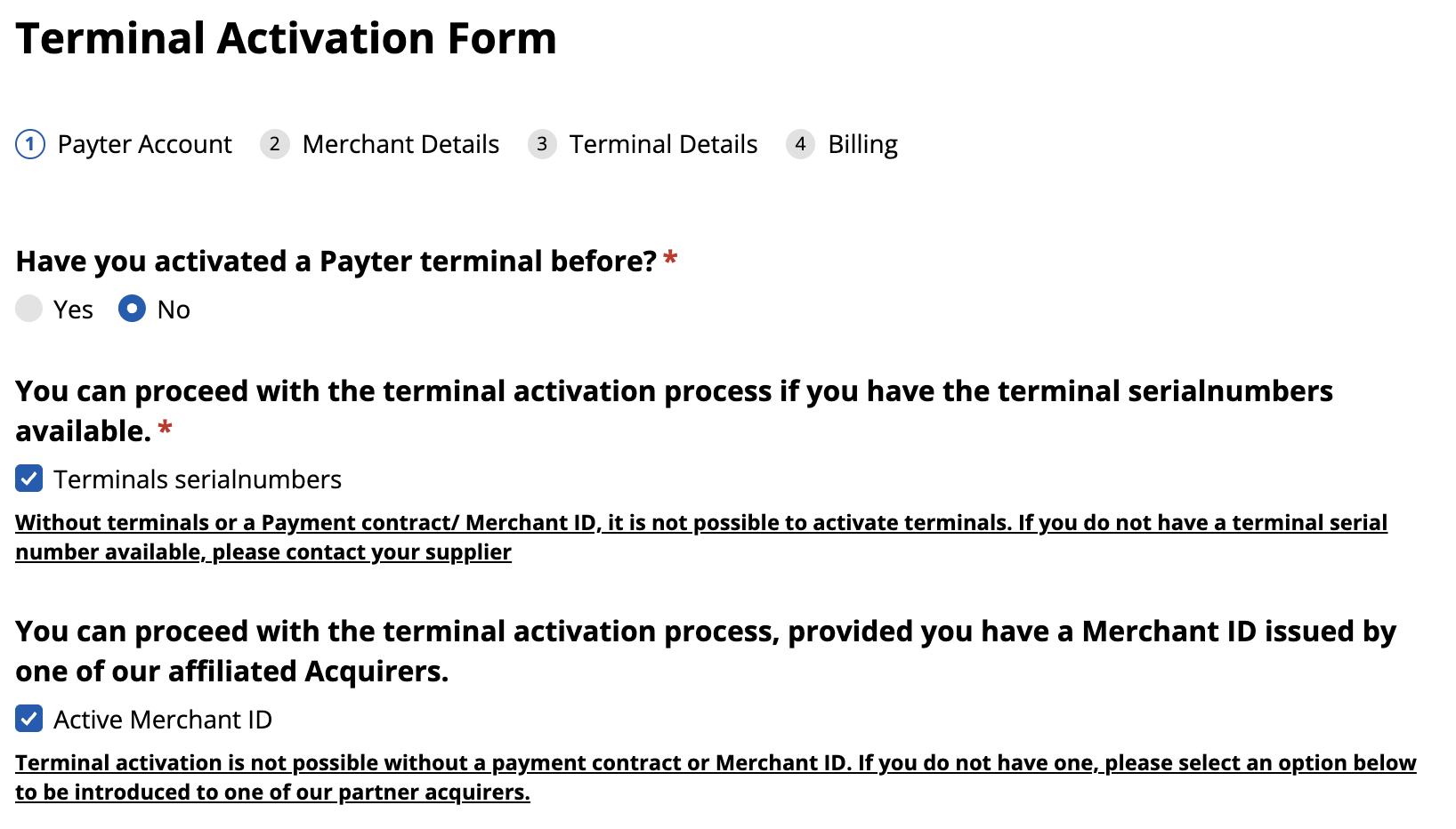
To activate the payment terminal, you need the device’s serial number.
To start the registration, go to the terminal registration page .
Payter Account
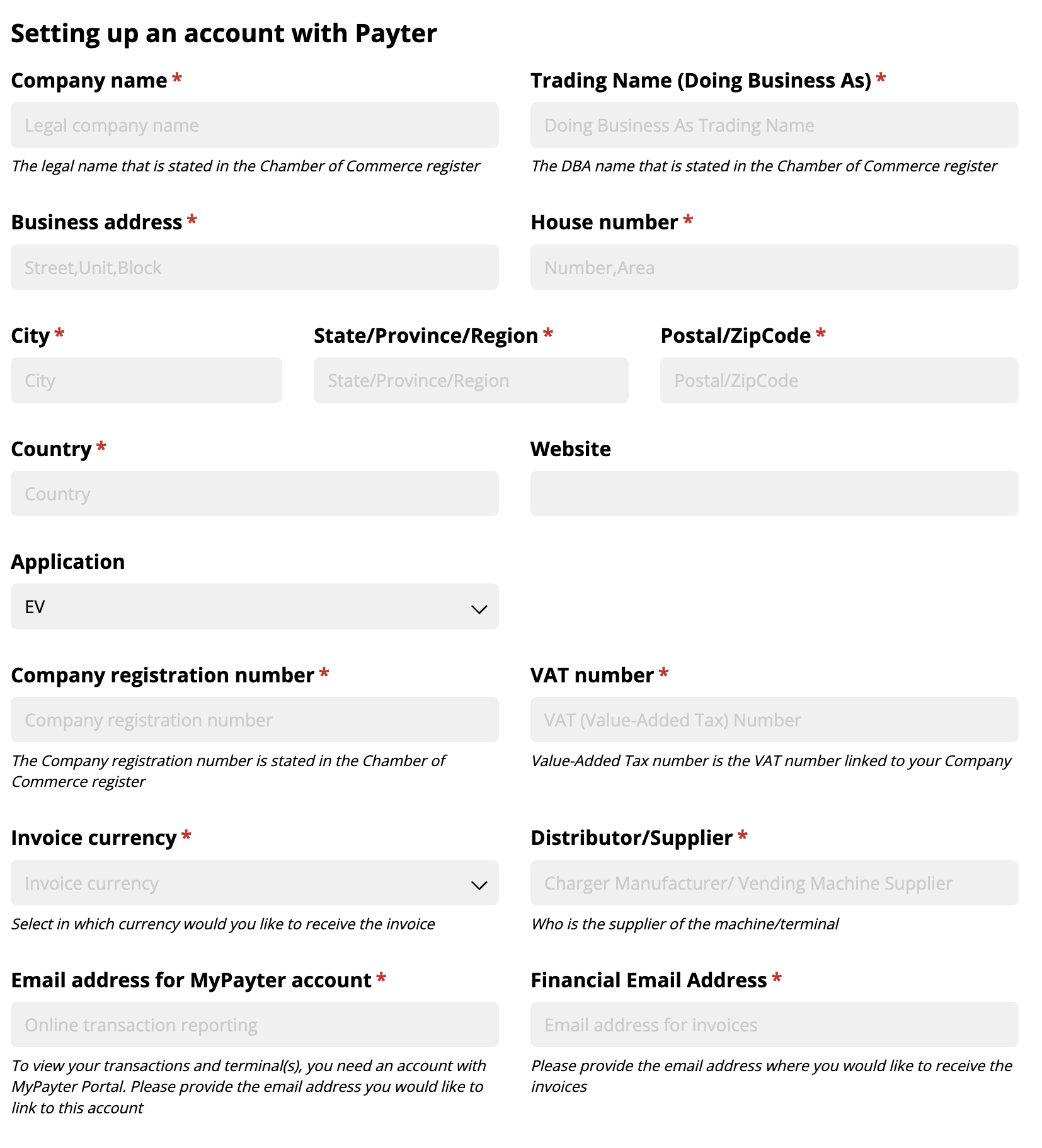
Fill out the form with your entity’s data, making sure to complete the following fields:
- Application - Select the value: EV
- Distributor / Supplier - Enter the value: EV24
Payter allows automatic invoice payment via SEPA Direct Debit. If this option is not available, select:
‘I don’t want to make use of the direct debit functionality. I accept an additional administration fee of 5,- EUR per invoice.‘
Merchant Account Details
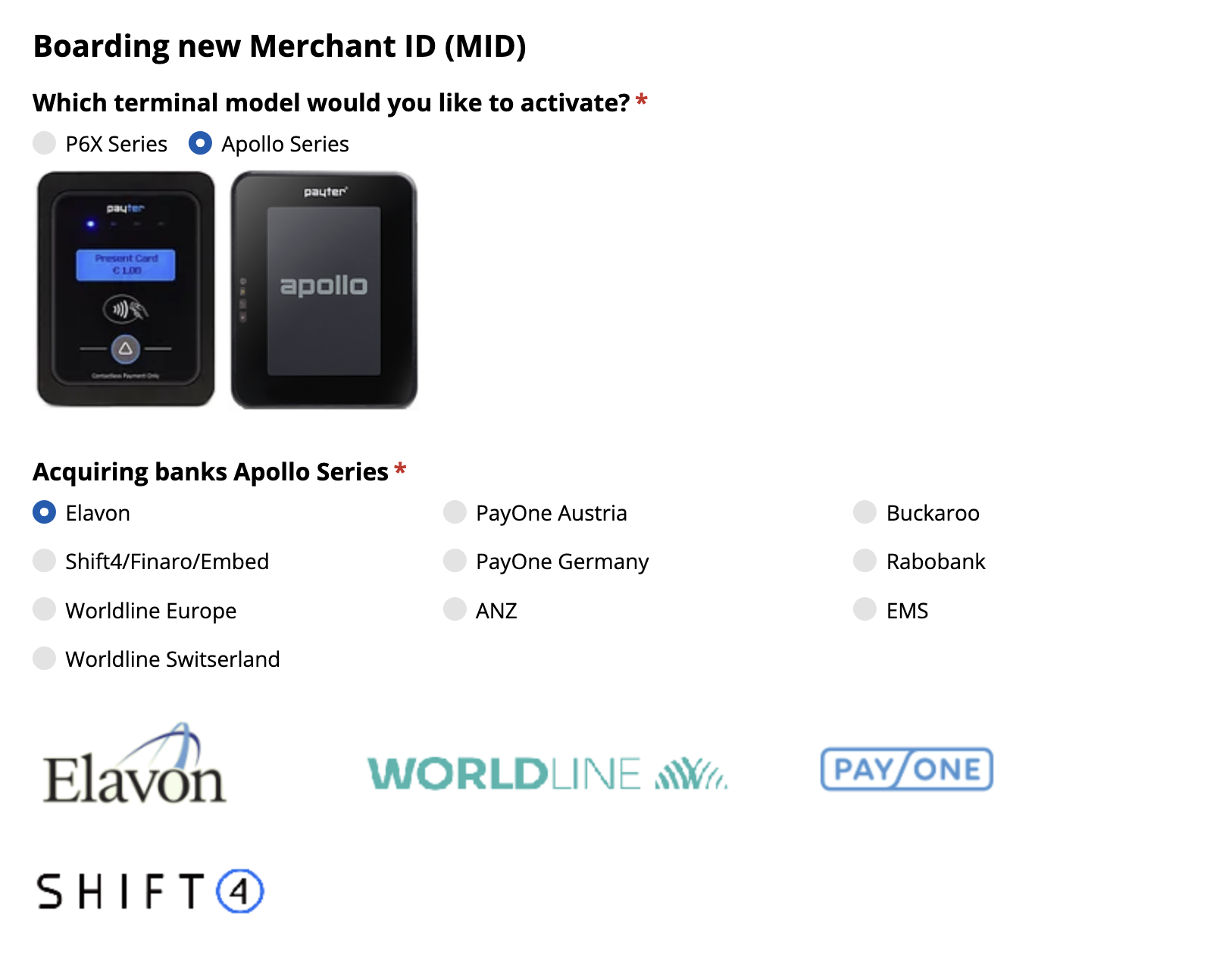
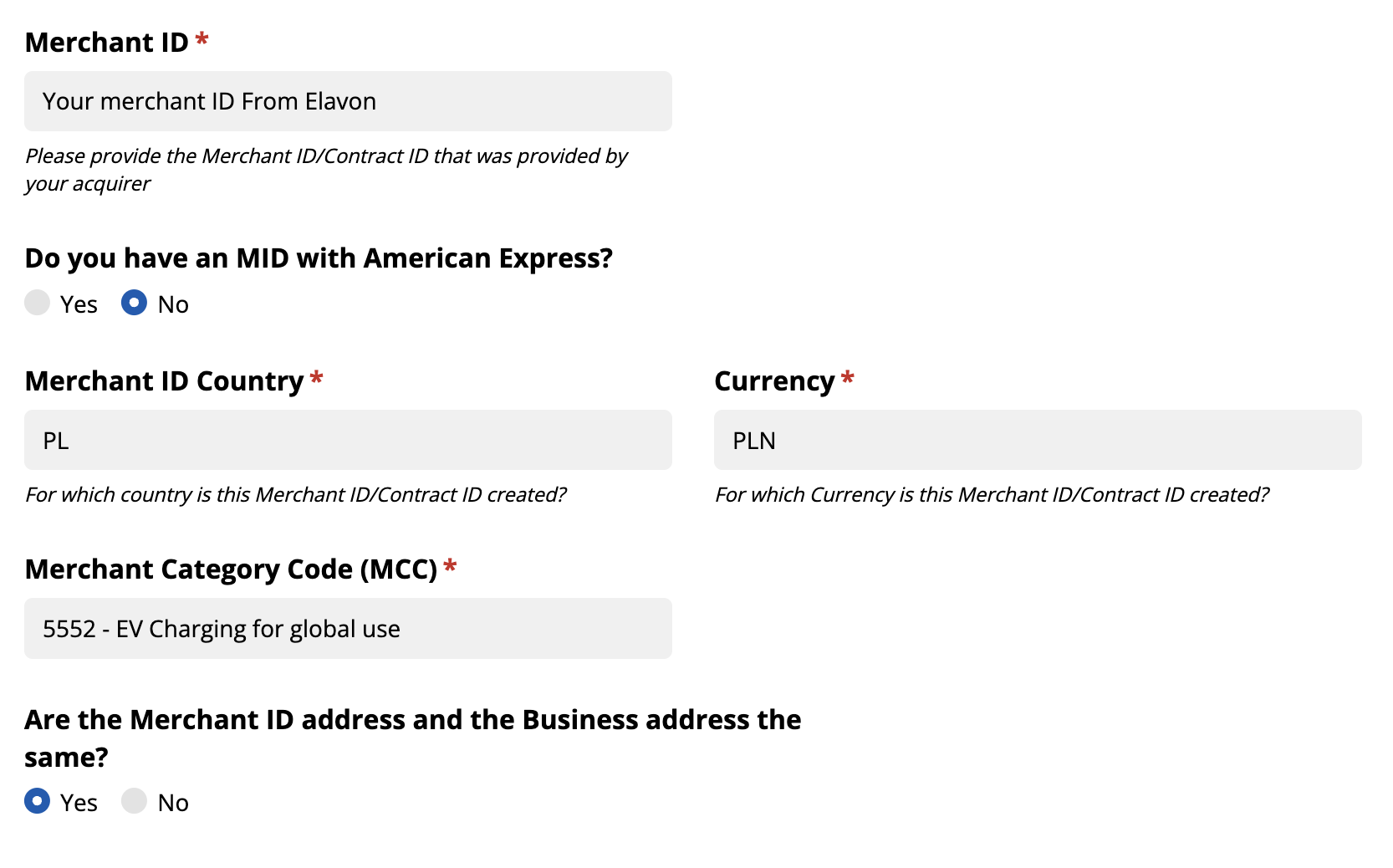
Fill out the form with the merchant account data, paying attention to the following fields:
- Terminal - Select: Apollo Series
- Merchant ID: Enter the Merchant ID obtained from ELAVON
- Merchant ID Country: Enter your country code, e.g., PL (Poland), CH (Switzerland), DE (Germany)
- Merchant Category Code (MCC): Select 5552 - EV Charging for global use
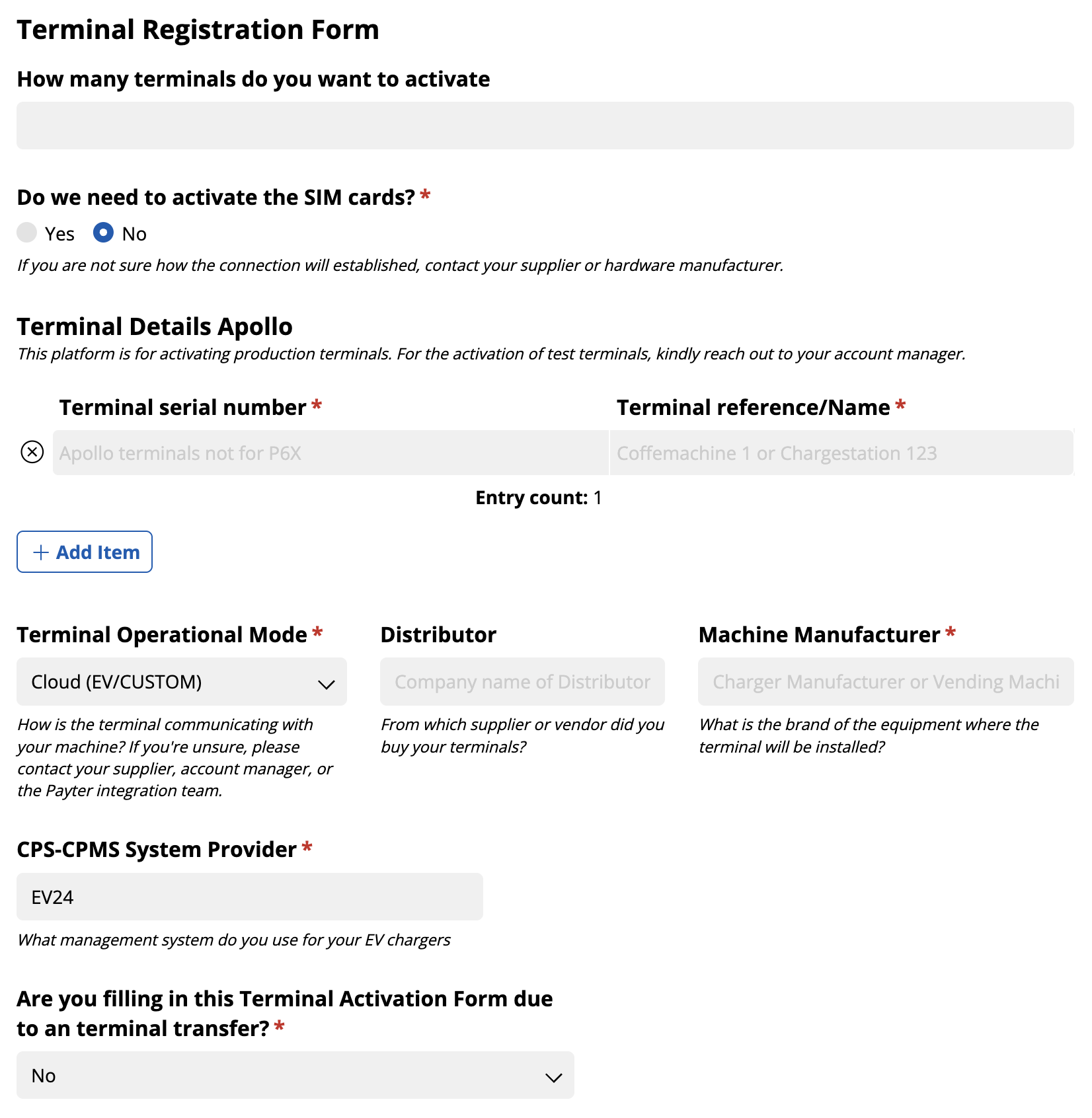
Terminal Details
Fill out the form with your terminal data, paying attention to the following fields:
- Terminal serial number: Enter your terminal’s serial number
- Terminal Operational Mode - Select Cloud (EV/CUSTOM)
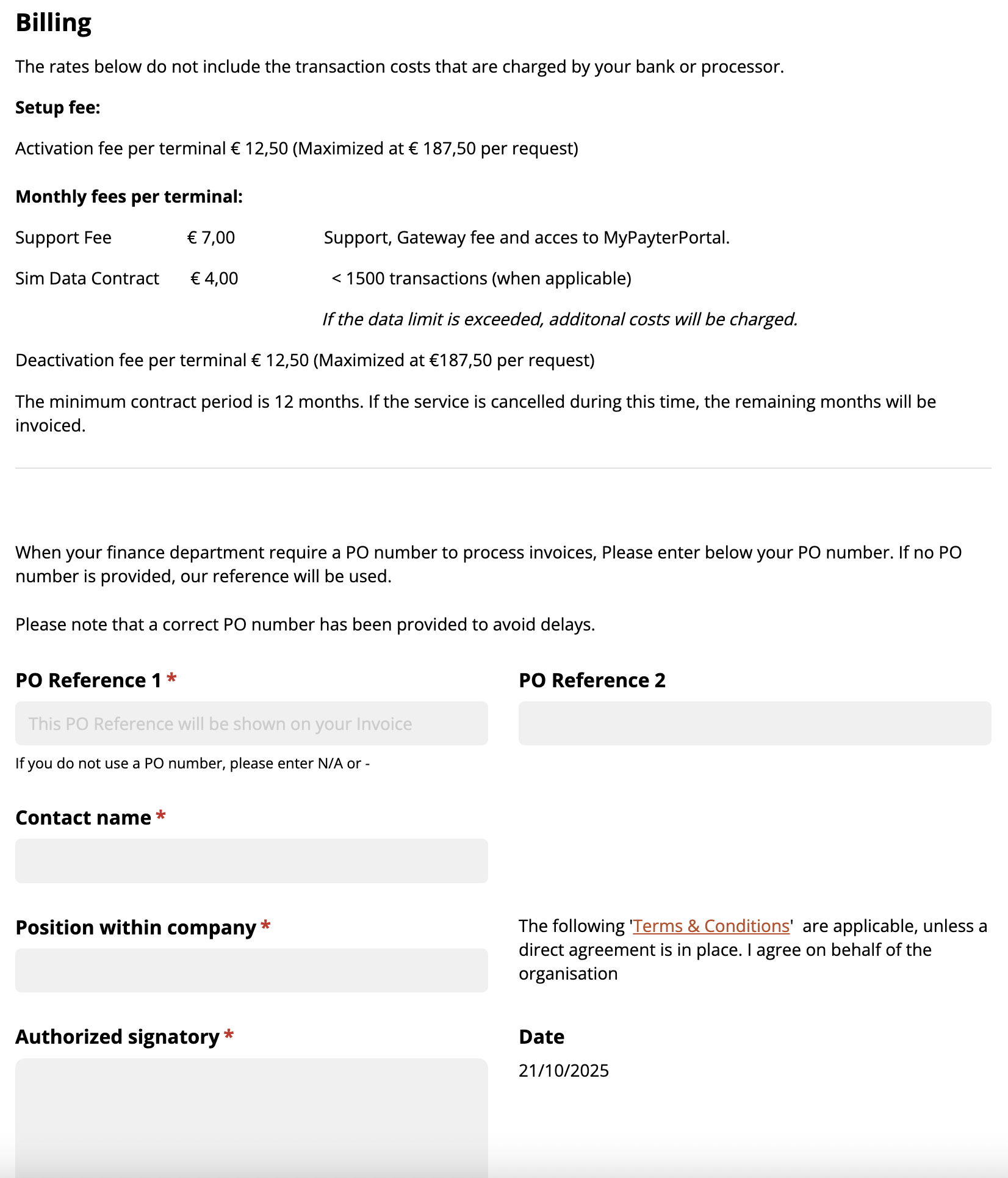
Billing
Fill out the form with billing details and submit the request.
Terminal activation may take a few business days. After activation, the terminal is ready for configuration in EV24.