Terminal Configuration
Configuring your terminal in EV24
Adding a Terminal
Payment terminals can be added in the client/partner portal under Terminals.
Configuration
On the terminal, you must specify the merchant account number (MID) provided by the payment acquirer. The terminal can process payments only if all the following conditions are met:
- the terminal is active with the manufacturer
- the merchant account (MID) has been provided
- the terminal is active in EV24
Charging Station Configuration
Each charging station can be assigned a payment terminal. A single terminal can operate in kiosk mode, i.e., it can handle payments for multiple charging stations. To enable terminal payments, you must activate terminal payments and select the payment terminal.
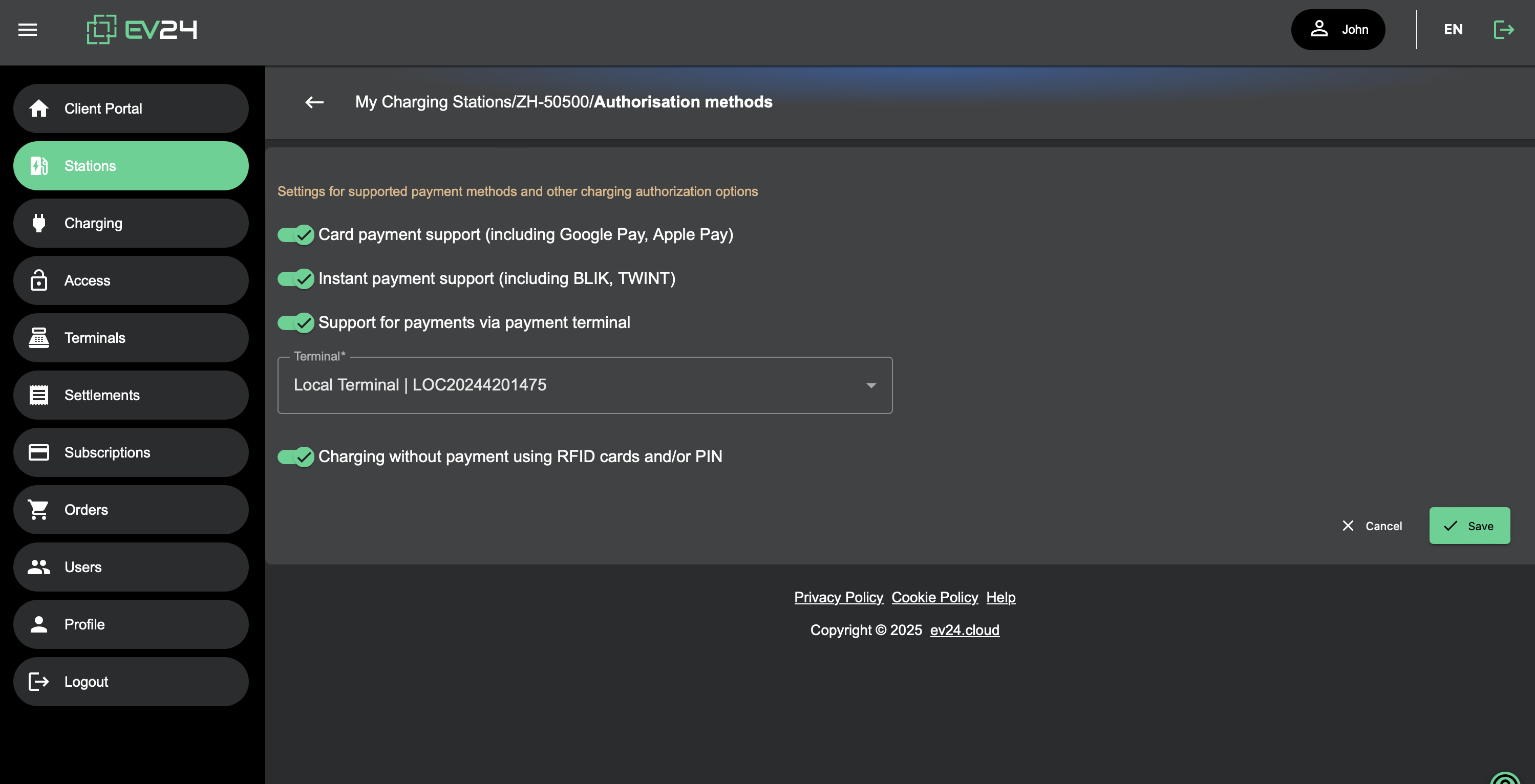
Terminal Payments
Enabling terminal payments on a given station automatically makes payments via the terminal available.
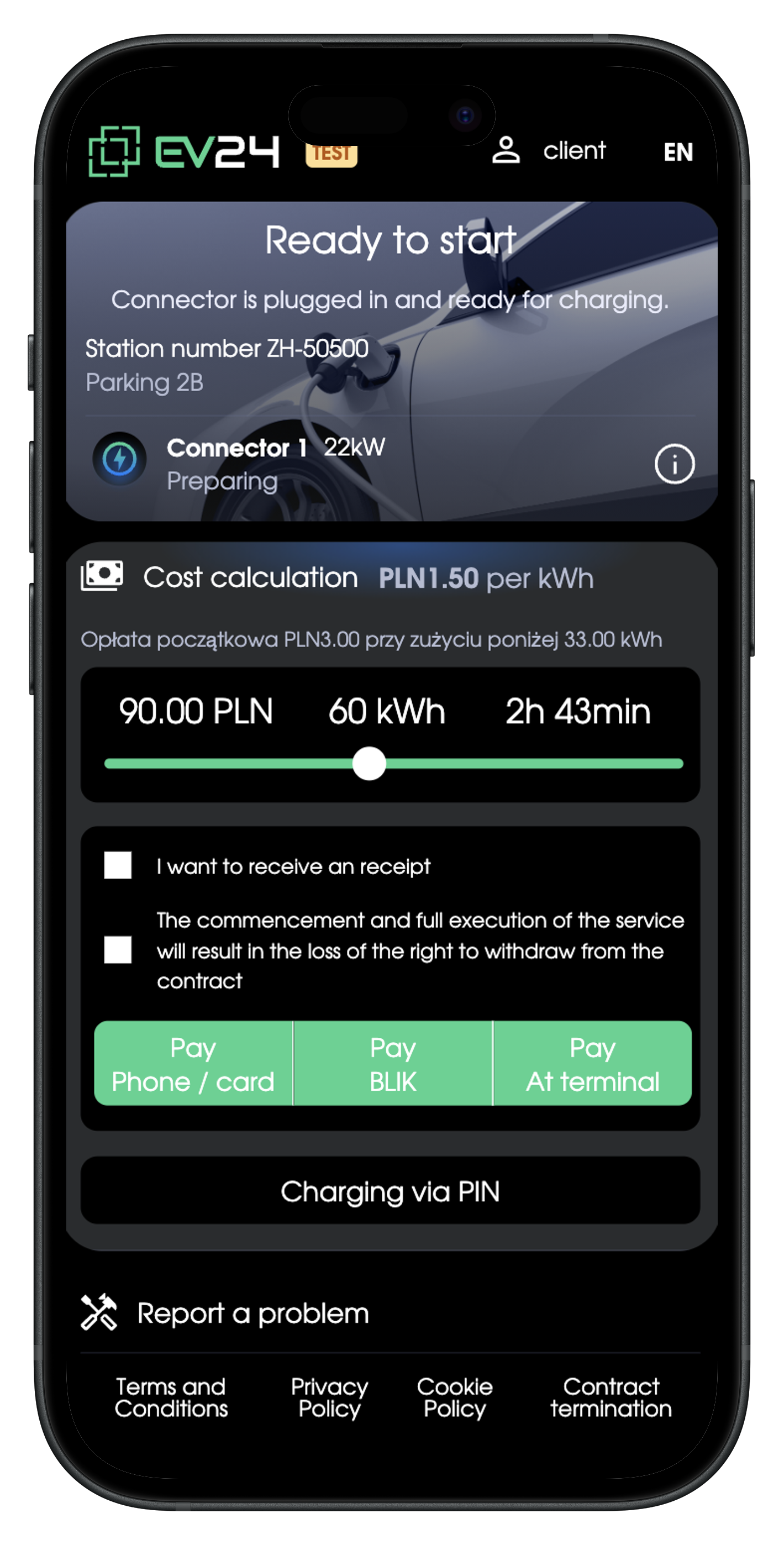
🎉
The terminal is configured and ready to accept payments.