Station Configuration
The final step in making your charging station available is its configuration.
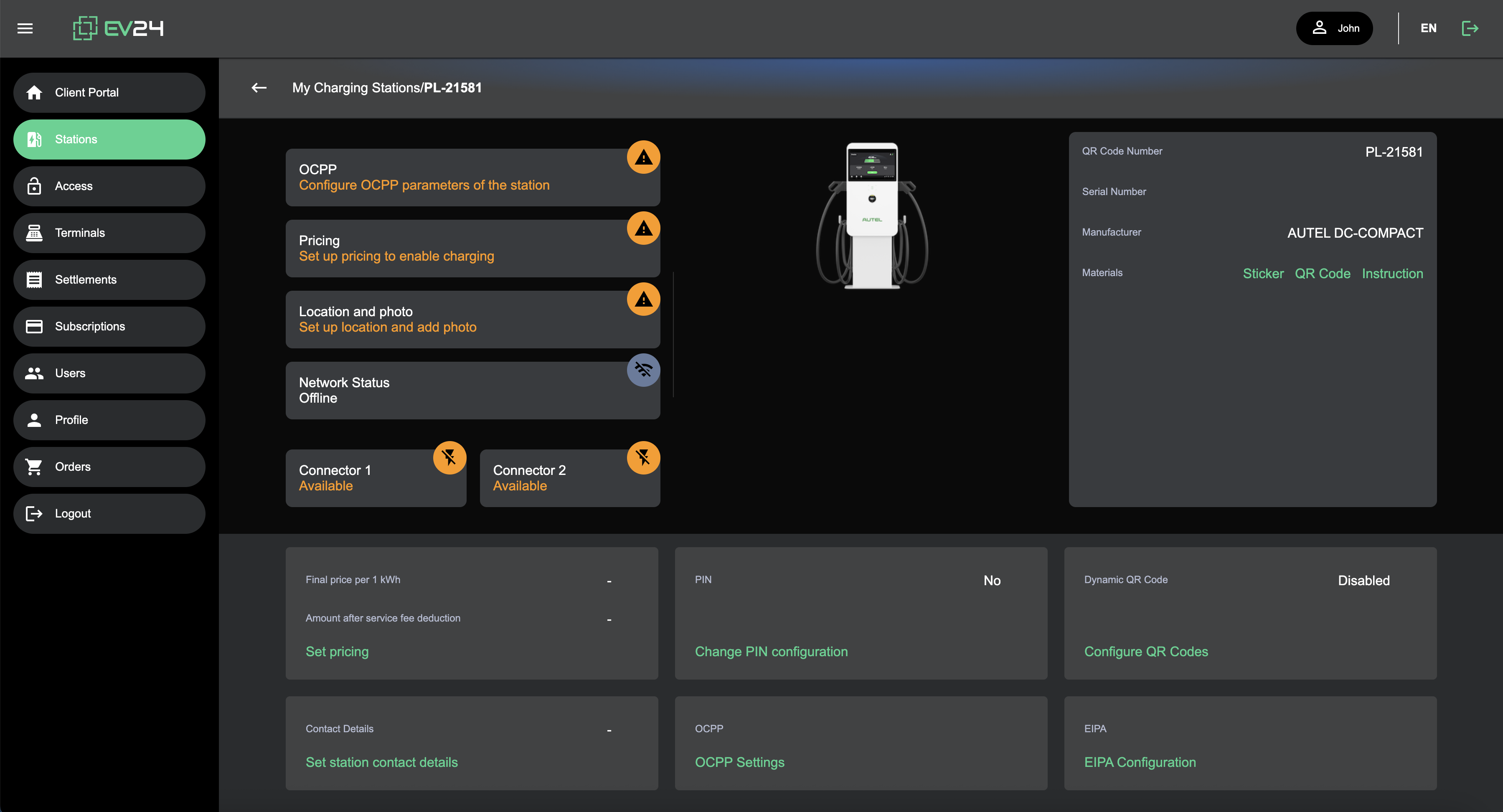
OCPP
Here you will find the information you need to enter in your charging station provider’s app in order to connect the station to our system.
Once connected, the Network Status field in the station details will indicate Online.
Pricing
Here you can set the price that will be visible to EV drivers. Pricing settings are available in the standard service model.
Authorization Methods
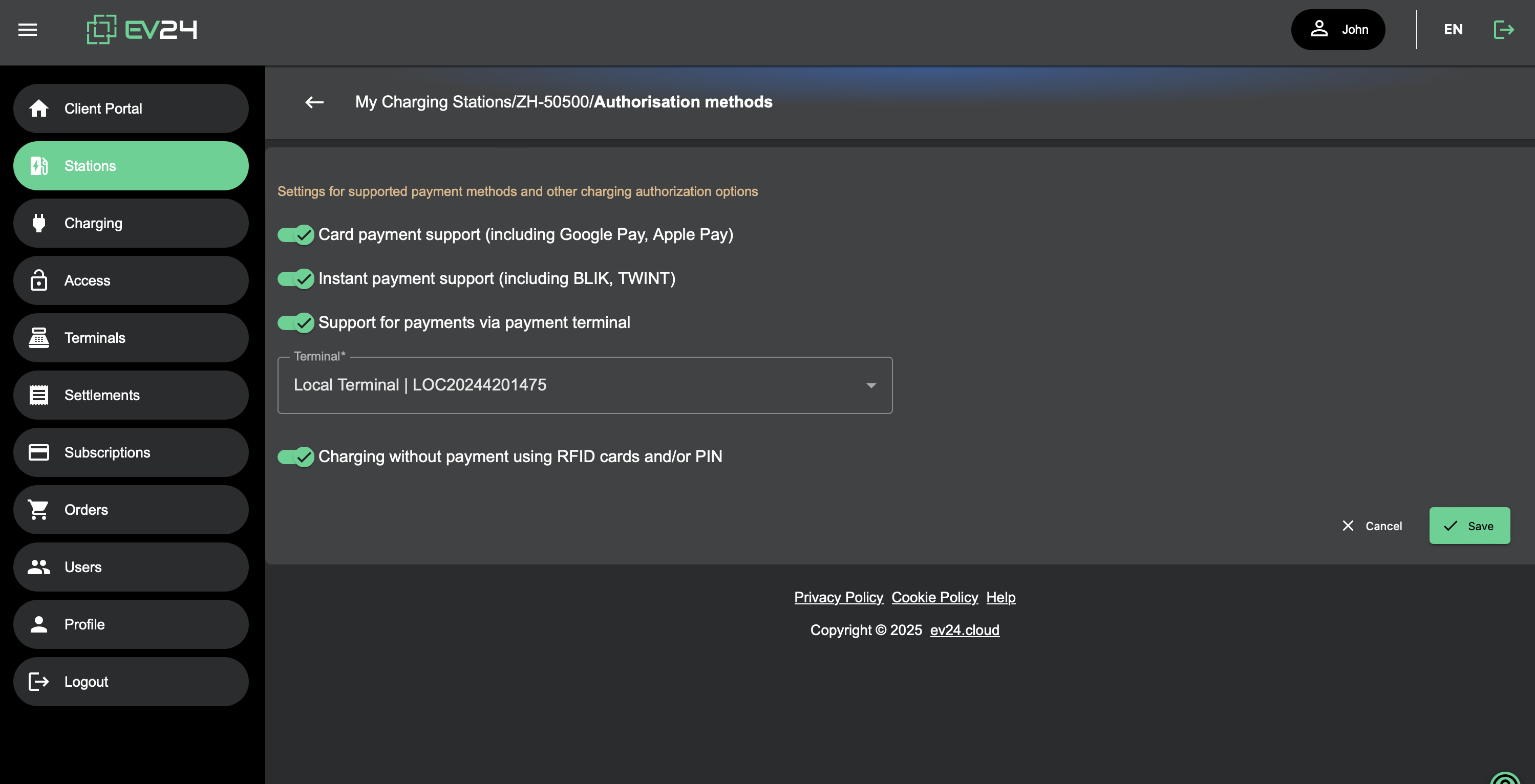
We support multiple authorization methods, which you can manage depending on your subscription plan:
- App-based payment support (including Google Pay, Apple Pay)
- Payment via payment terminal
- Free charging using RFID cards and/or PIN codes
Address
Enter the address, location, and photo of the charging station to help drivers find it easily.
QR Code
If your station supports displaying QR codes, you can enable dynamic QR code rotation.
This increases the security of both the charging station and payment process.
Country Requirements
| Country | Requirements |
|---|---|
| Poland 🇵🇱 | Mandatory registration of public stations and operators in the EIPA system. |
| Other Countries 🌍 | No requirements regarding the registration of operators and stations |
Once your charging station is configured, you’re ready to start charging electric vehicles!