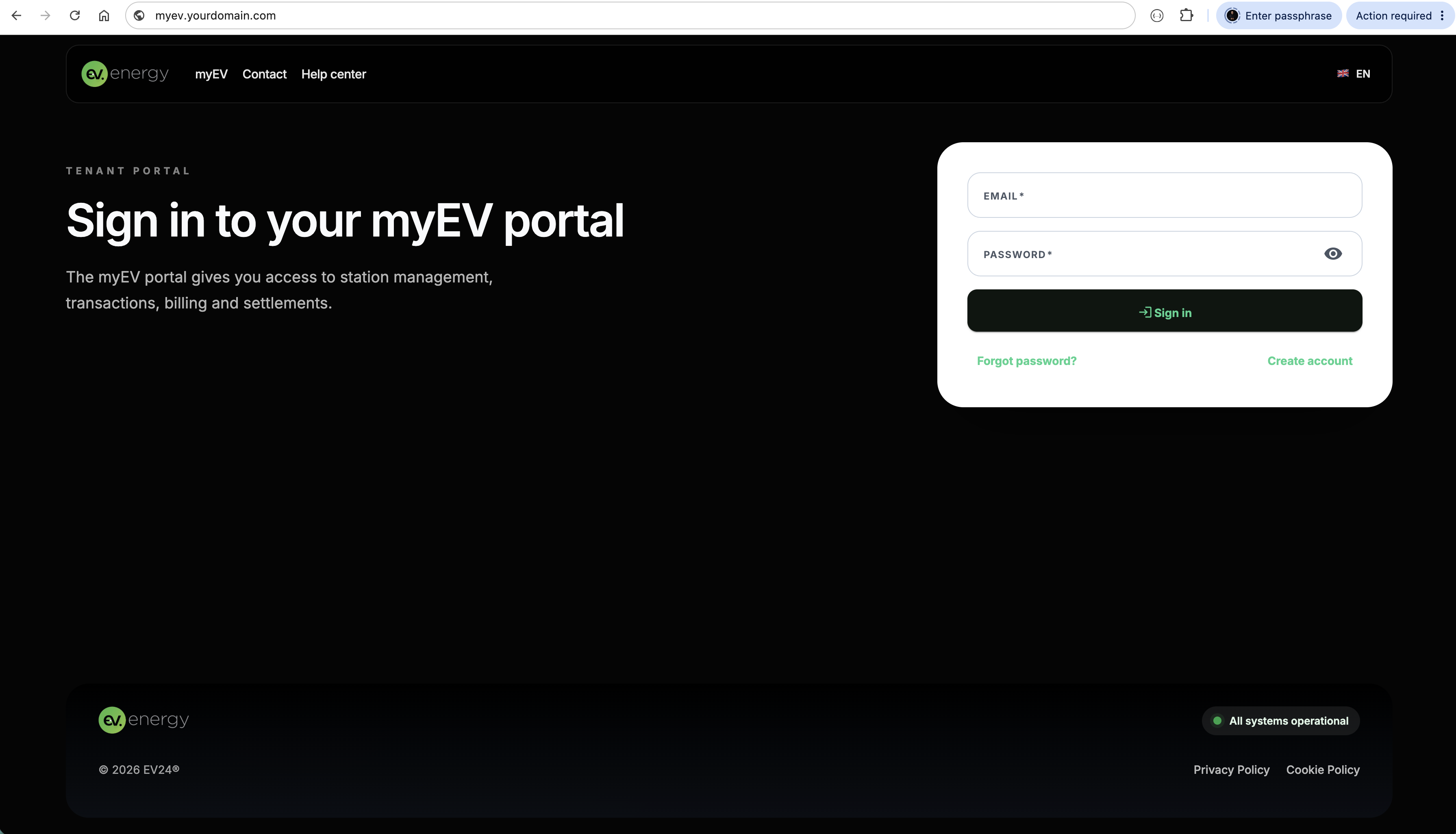
Branding configuration
Branding lets you tailor the portal, driver app, PDF documents and legal content to the operator’s brand, and run the driver app under your own internet domain.
Styles
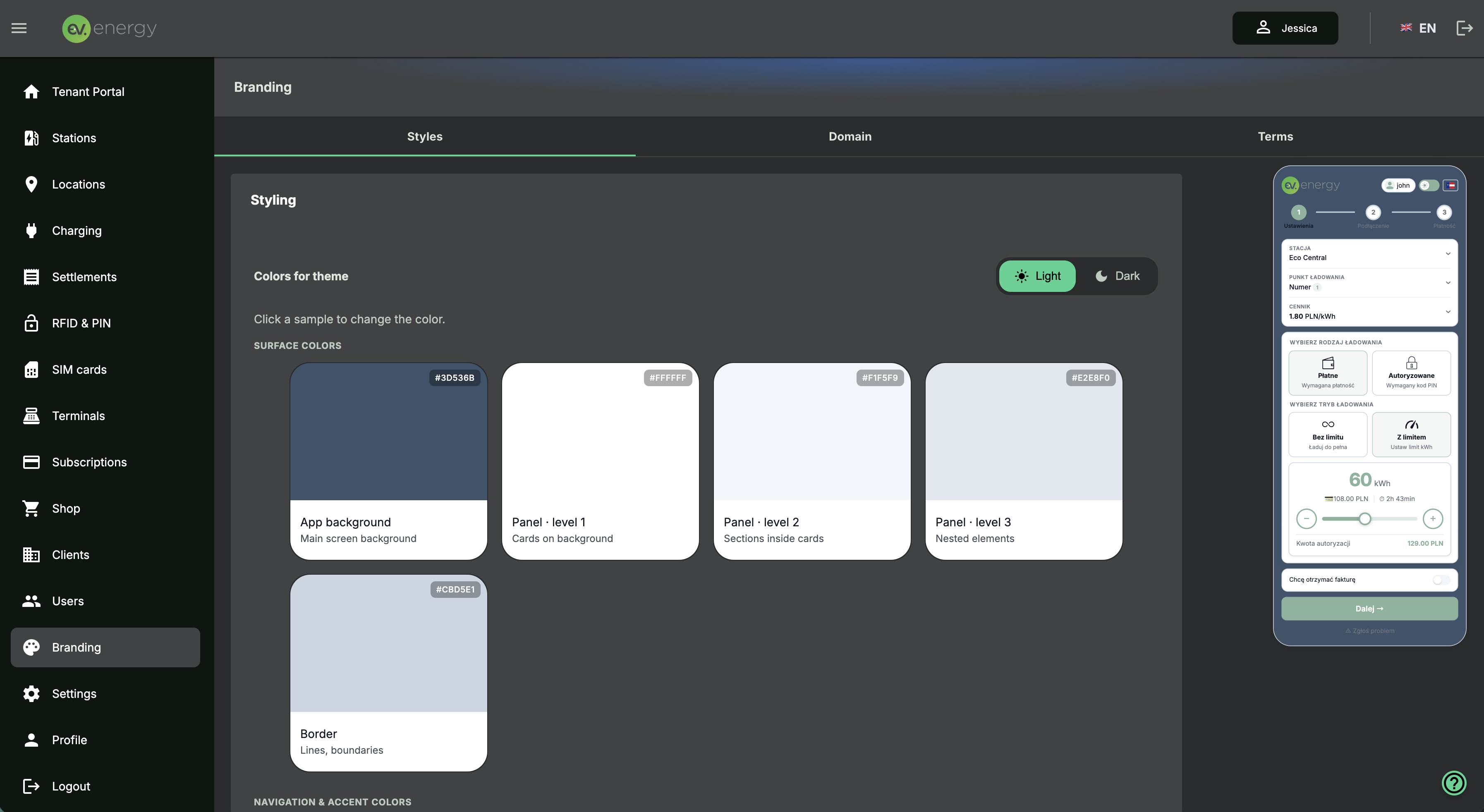
In Branding > Styles you can set the brand appearance, including:
- primary color
- secondary colors
- default, white and black logo
You can configure the color scheme for:
- Light theme
- Dark theme
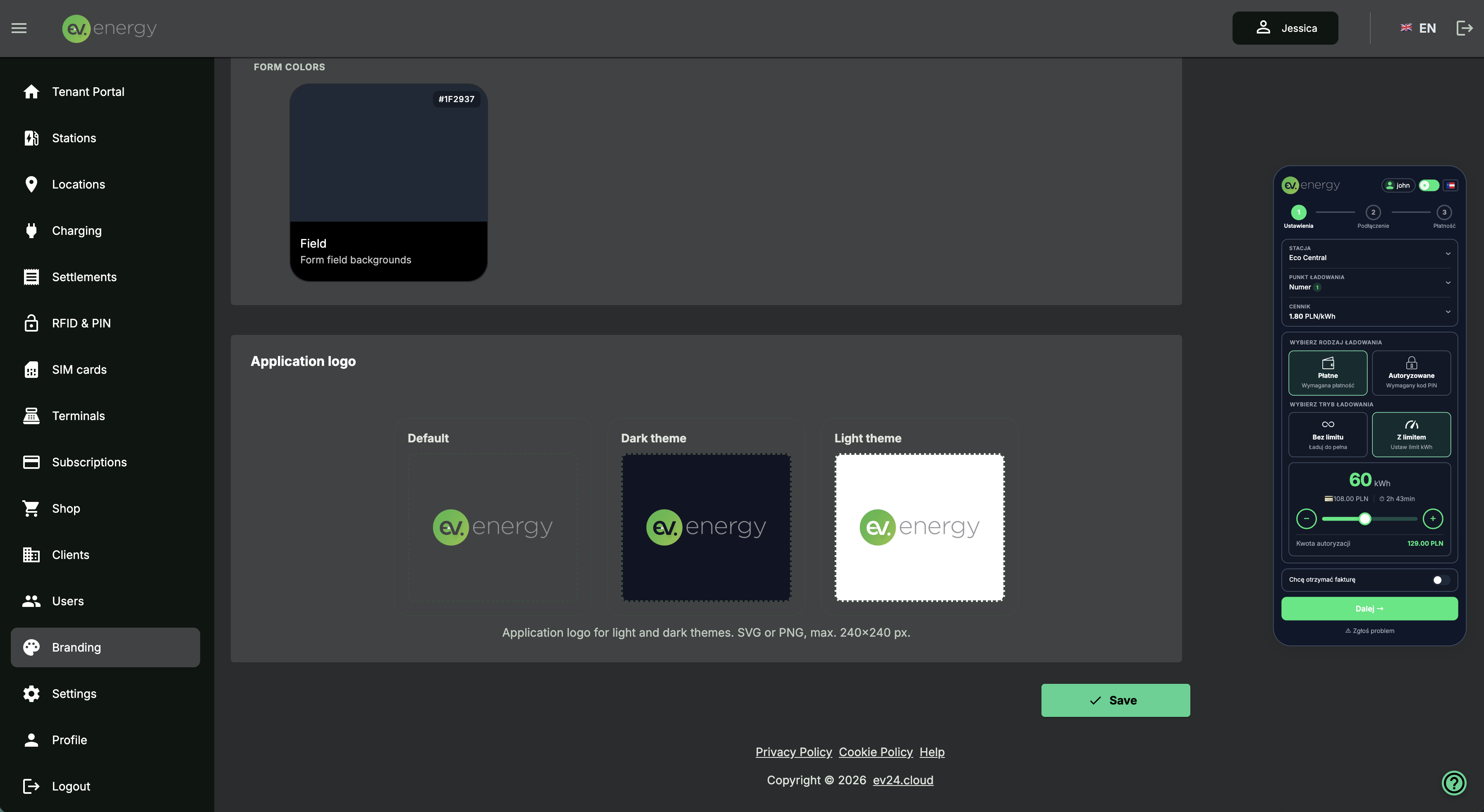
All changes you make here are automatically visible in the driver app.
Domain
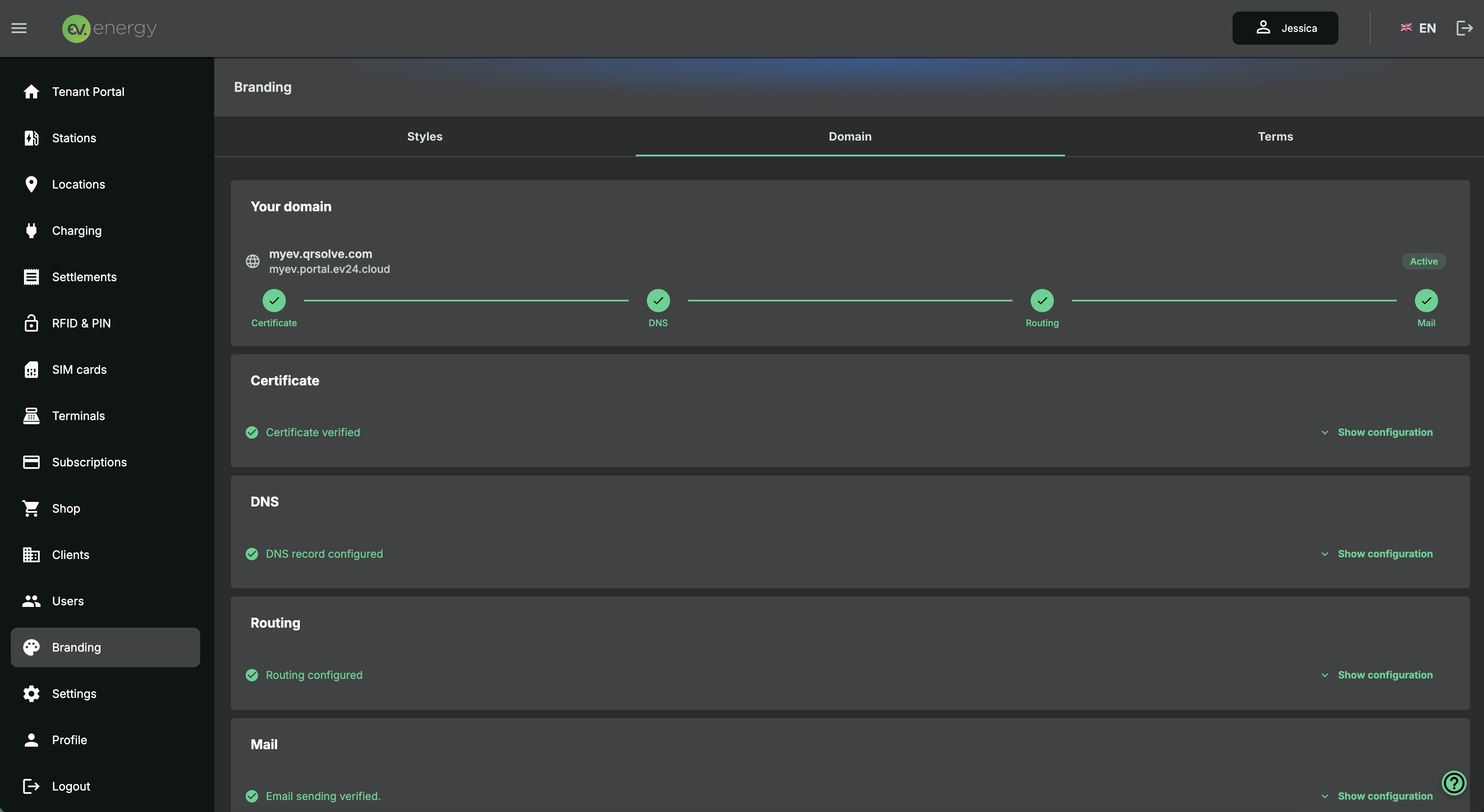
In Branding > Domain you can assign your own address to the tenant.
This applies to, among others:
- the operator portal,
- the driver app,
- email sending addresses
To configure it, provide the required fields, i.e. the domain address, and set up a redirect at your domain provider according to the information generated by the system.
Terms
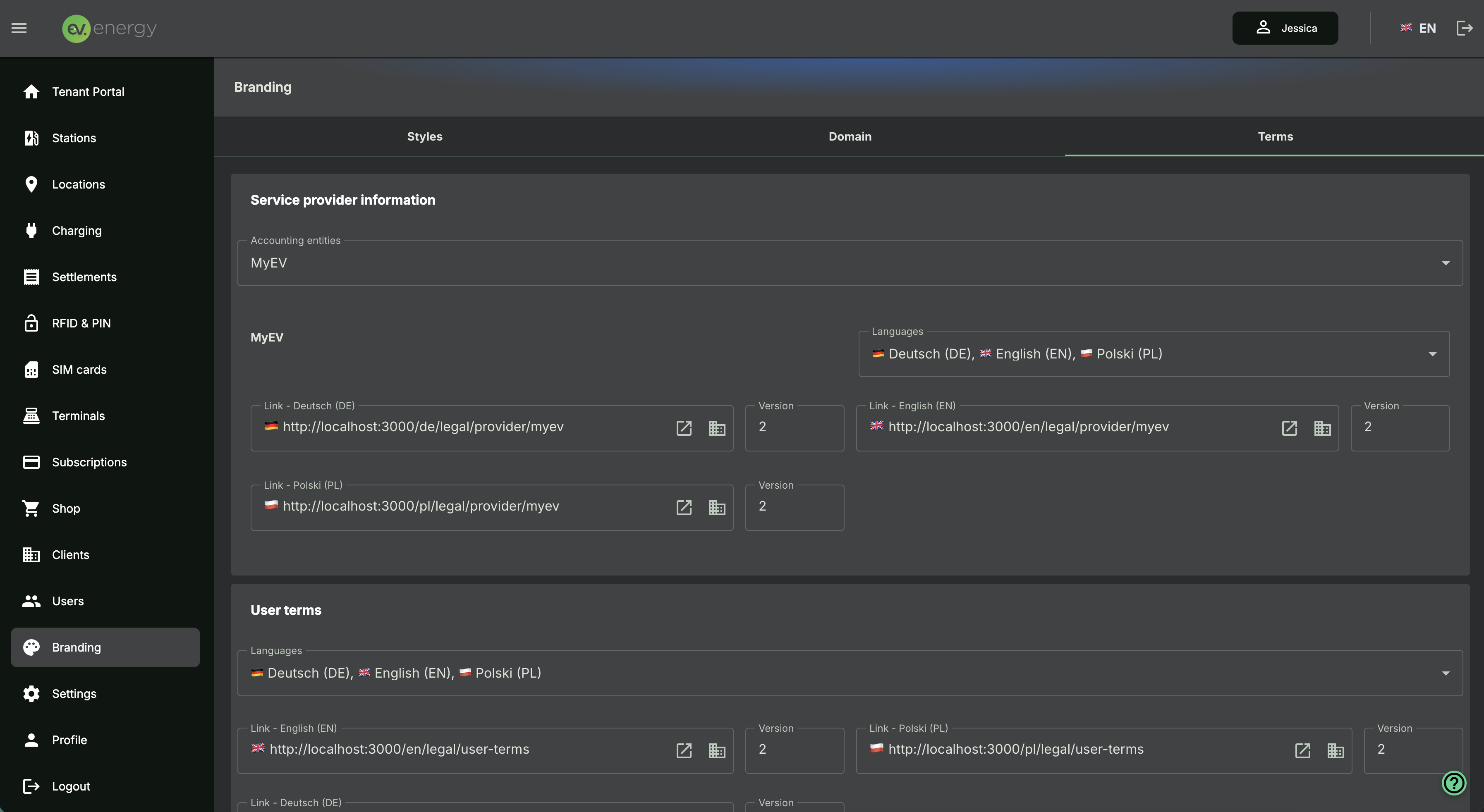
The Branding > Terms tab is used to manage legal content, which lets you:
- preview the default version of documents as a template,
- copy and adapt the content to your own brand,
- maintain separate terms for different countries and languages,
- manage the privacy policy, cookies and additional documents.
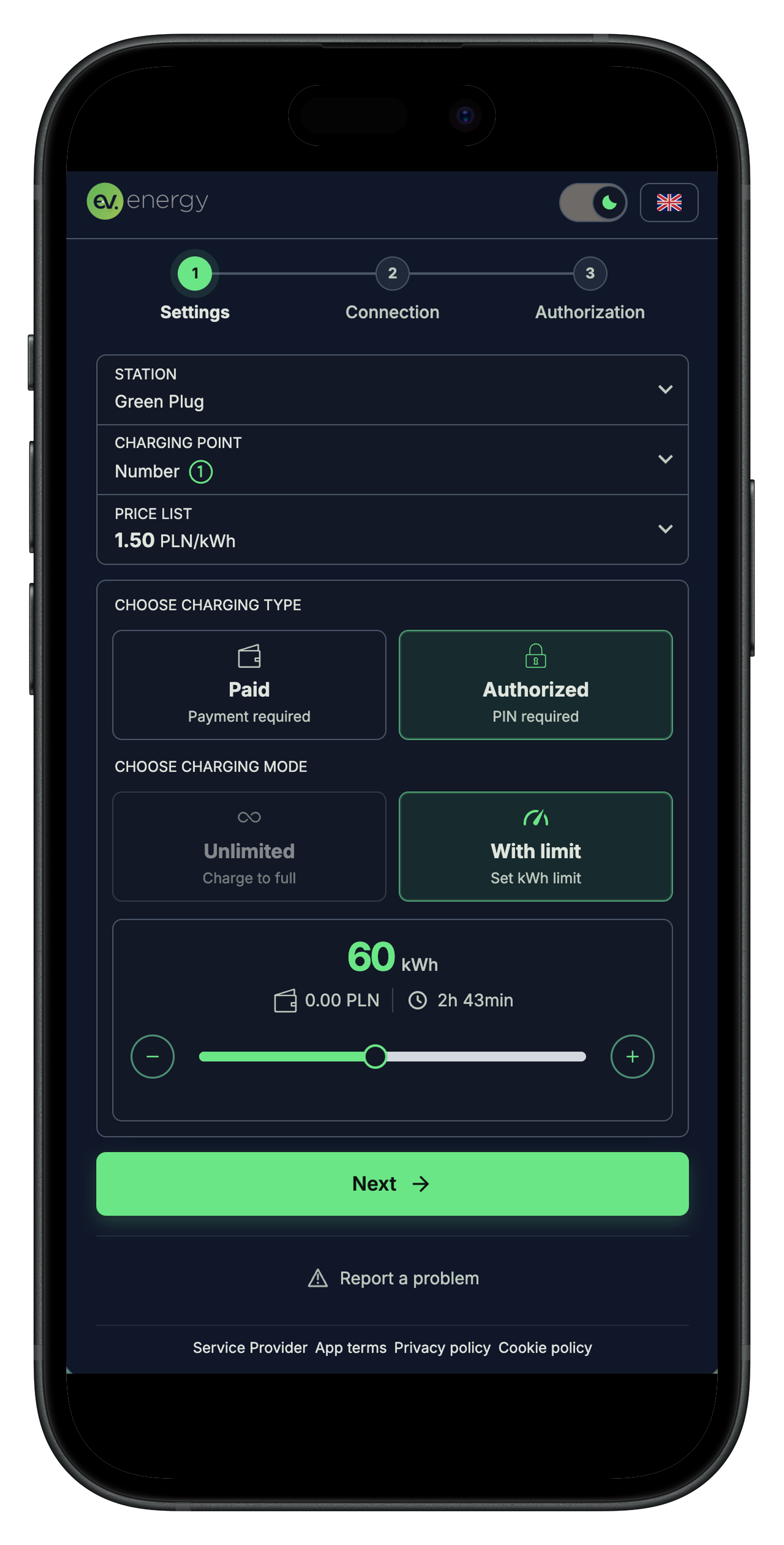
Final result in the driver app
Once configuration is complete, the operator has a consistent set of brand elements:
- custom portal and app appearance,
- own domain,
- own logo and colors,
- own terms,
- consistent PDFs and QR stickers.
Final result in the operator portal